
From React Flow templates to production: When a workflow editor becomes a real product feature


Templates are a great starting point
Workflow editor templates — like those built with React Flow — are an excellent way to get started. They make it easy to prototype ideas, validate concepts, and demonstrate workflows early in a project.
In a matter of days, teams can:
- render nodes and edges,
- connect basic interactions,
- showcase a working demo to stakeholders.
For proof-of-concepts and early experiments, templates do exactly what they promise: they help you start.
But starting is not the same as shipping.
When a prototype turns into a product
At some point, workflows stop being a demo artifact and become a core product capability.
That’s usually when new questions appear:
- How does this scale with hundreds or thousands of workflows?
- How do we handle UX edge cases users are already reporting?
- How do we keep performance acceptable as graphs grow?
- How do we extend the editor without constantly refactoring core code?
- How do we maintain consistency across features and teams?
These questions rarely show up during the template phase. They emerge only when real users start relying on the workflow editor as part of the product.
Why templates struggle at production scale
Workflow editor templates are intentionally lightweight. They’re designed to show what’s possible, not to cover everything that’s required in production. As teams move beyond prototypes, common challenges appear:
UX edge cases
Large graphs, readability issues, keyboard navigation, accessibility, error states, and conditional logic quickly increase complexity.
Performance bottlenecks
What feels fast with a small demo can degrade once workflows grow in size and complexity.
Extensibility pain
Adding new node types, behaviors, or configuration logic often leads to ad-hoc code paths and growing technical debt.
Maintenance cost
Without clear architectural boundaries, teams spend more time maintaining the editor than evolving product features.
At this stage, the question usually becomes:
Do we keep building this ourselves — or should we start from a stronger foundation?
Templates prove ideas. Foundations ship products.
This is where the distinction matters. Templates help you prove an idea. A production foundation helps you run a product.
A production-ready workflow editor needs:
- a scalable architecture,
- predictable extensibility,
- mature UX patterns,
- performance optimizations,
- and long-term maintainability.
These are rarely solved accidentally. They require experience and deliberate design.
Where Workflow Builder fits
Workflow Builder is designed for teams that have already crossed the template stage — or know they will.
It provides a frontend-first, production-ready workflow editor that you can embed directly into your SaaS product. Instead of starting from a blank canvas, teams begin with a solid foundation that already accounts for the hard parts of workflow UX.
Key differences compared to templates:
- a complete workflow editor UI out of the box,
- plugin-friendly architecture for safe extensibility,
- performance considerations built in,
- design system support for consistent UI,
- backend-agnostic execution — workflows connect to your own backend logic.
Workflow Builder doesn’t replace React Flow. It builds on the same ecosystem, but moves beyond templates into product-grade territory.
From PoC to production — without rewriting everything
Many teams start with templates because they need speed. They move to a foundation because they need reliability.
Workflow Builder shortens that transition. Instead of rewriting a growing codebase, teams can:
- embed a ready-made workflow editor,
- adapt it to their product’s needs,
- focus backend work on execution and integrations,
- reduce long-term maintenance cost.
The result is faster time-to-market — not just for the first demo, but for every iteration that follows.
When should you move beyond templates?
You’re likely ready for a production foundation if:
- workflows are becoming a core product feature,
- users rely on them daily,
- customization requests keep growing,
- performance and UX issues start appearing,
- your team wants to focus on product logic, not editor plumbing.
At that point, templates stop being enough.
A pragmatic next step
Templates are an excellent beginning. But production software demands more than a beginning.
Workflow Builder exists for the moment when workflow editors stop being experiments and start being products.
If you’re moving from prototype to production, starting from a proven foundation can save months of engineering effort — and a lot of future rework.
👉 Explore Workflow Builder and see how teams transition from templates to production-ready workflow editors.
An entrepreneur and tech enthusiast, with over 14 years of experience building innovative diagramming solutions and tools across industries. Our interfaces help technical and non-technical users make informed business decisions.


Go further with Overflow and Workflow Builder
Workflow Builder is powered by Overflow — a library of interaction components made with React Flow that elevates and extends node-based interfaces.
Articles you might be interested in

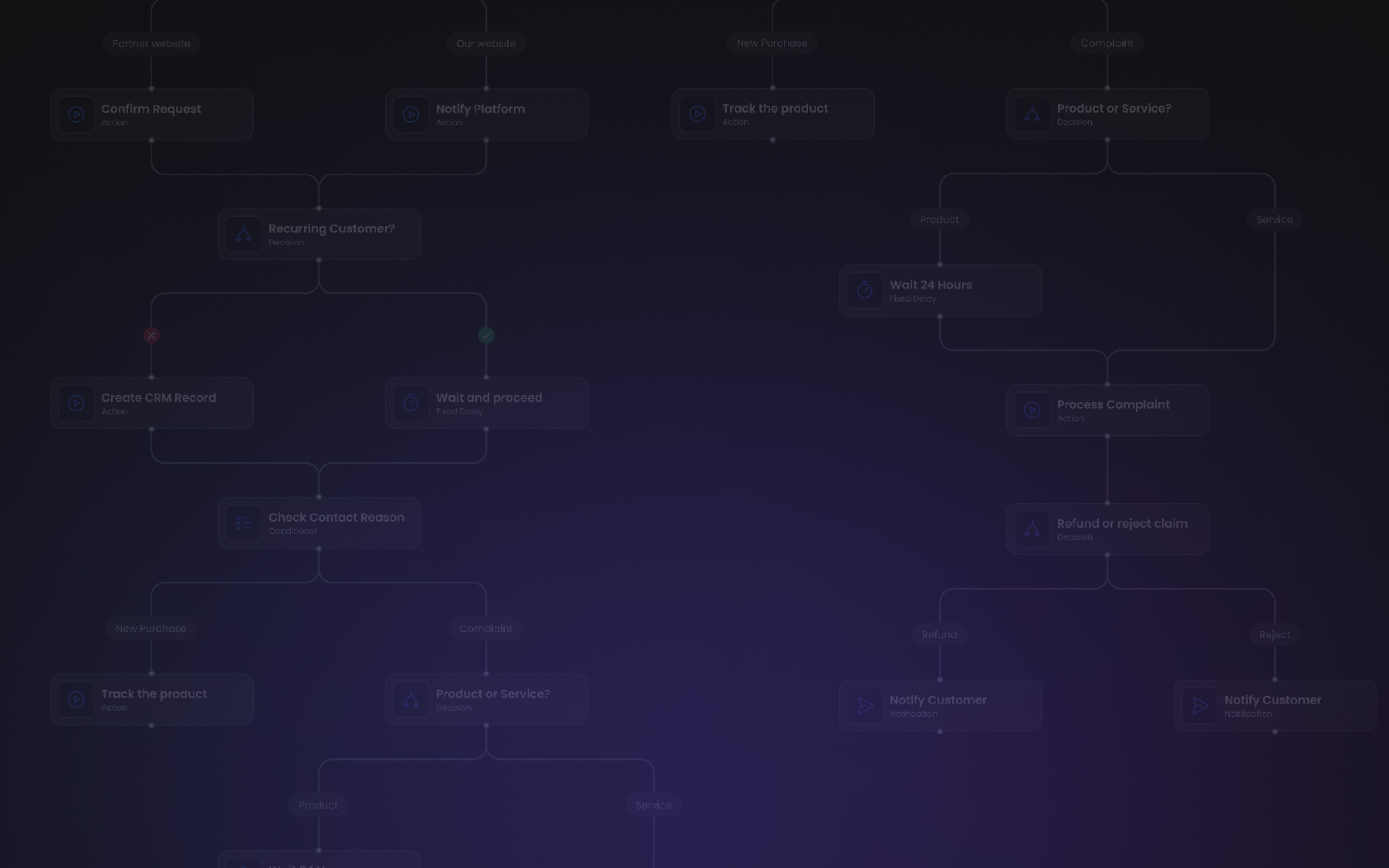
Building a new product with workflows at its core: why teams start with a workflow editor foundation
The article explains why teams building new products increasingly start with a workflow editor instead of building workflow UI from scratch. It shows how a frontend-only workflow foundation allows faster iteration, avoids early architectural lock-in, and keeps execution logic independent. You’ll learn when this approach makes sense for both standalone apps and embedded SaaS products.
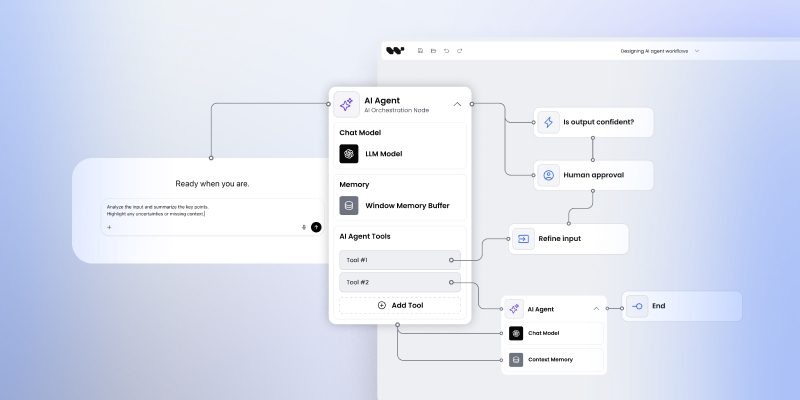
Designing AI agent workflows: why AI platforms need visual orchestration layers
The article explains why AI platforms need visual orchestration layers to make agent behavior understandable and controllable. It shows how frontend-only workflow builders expose logic, enable human-in-the-loop scenarios, and keep execution in existing AI backends. You’ll learn how visual workflows improve trust, debugging, and iteration in agent-based systems.

Building decision workflows in fintech: UI, governance, and execution boundaries
The article explains why decision workflows are central to fintech and regulated platforms, where control, auditability, and correctness matter more than automation alone. It shows how governance begins in the UI and why execution must remain internal. You’ll learn how frontend-only workflow builders help teams balance flexibility with regulatory requirements.